
Mute background and balance the audio
Control the dubbed voice, original speech, and background track.
On this page
Choose a mix for your videoFor the cleanest spoken resultKeep music without overpowering speechSave a useful mixVisual walkthrough
Select a step to see what to do. Enlarge the image for a closer look.
Open Advanced dubbing
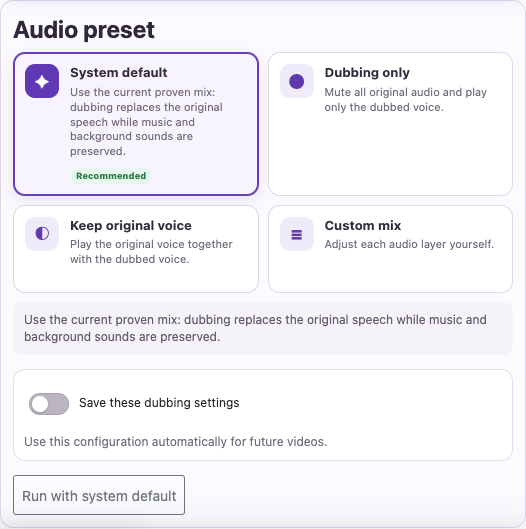
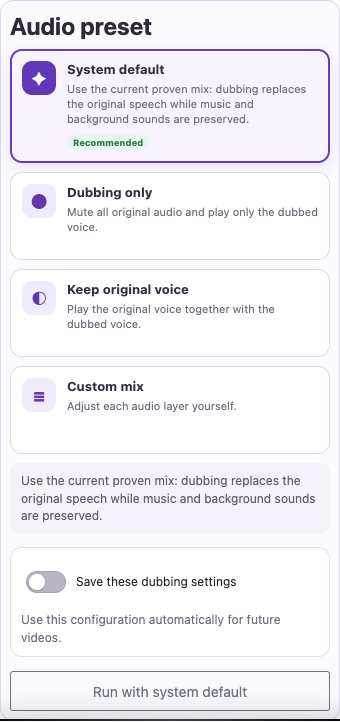
Look for Advanced dubbing options in the dubbing settings. Depending on the screen, you may also see Mute background.
Remove competing speech
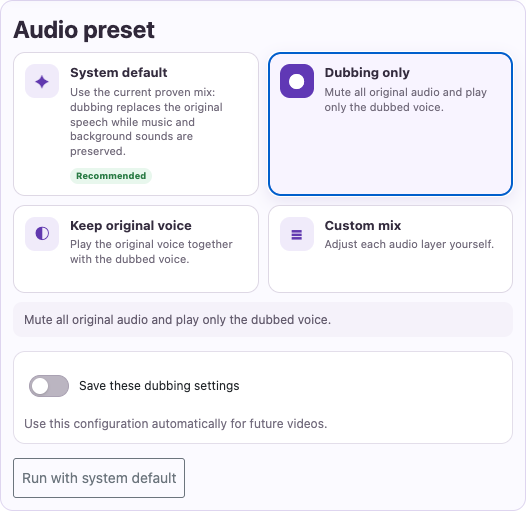
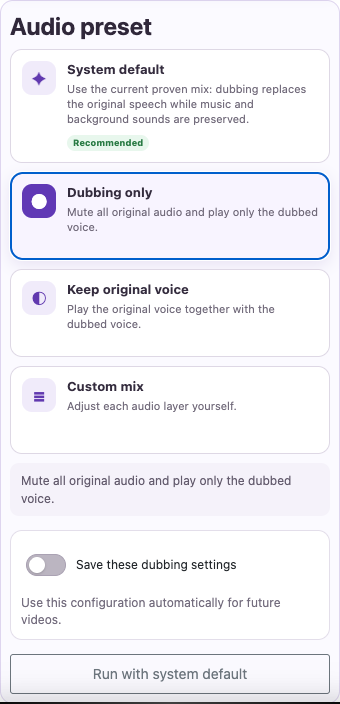
Use Dubbing only when you want only the translated voice. In a custom mix, use Remove original voice or lower original voice volume as appropriate.
Adjust music and effects
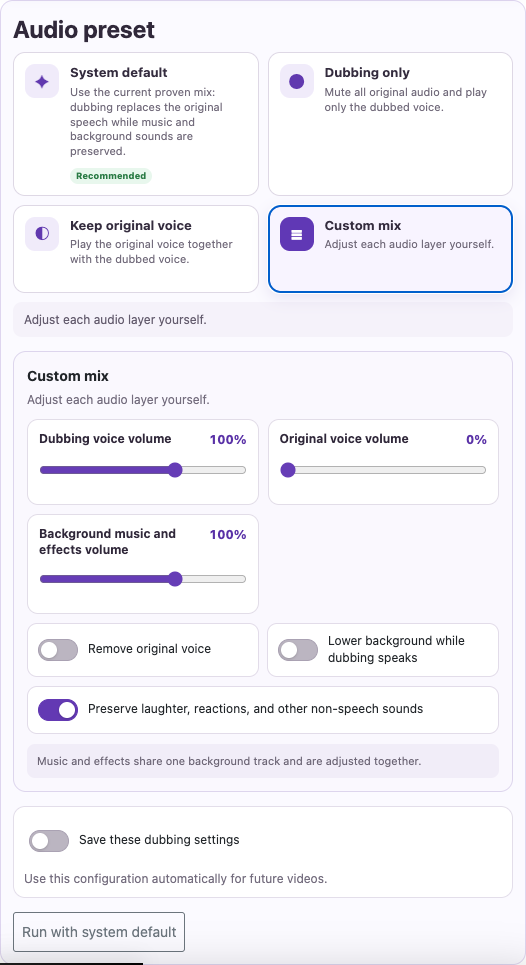
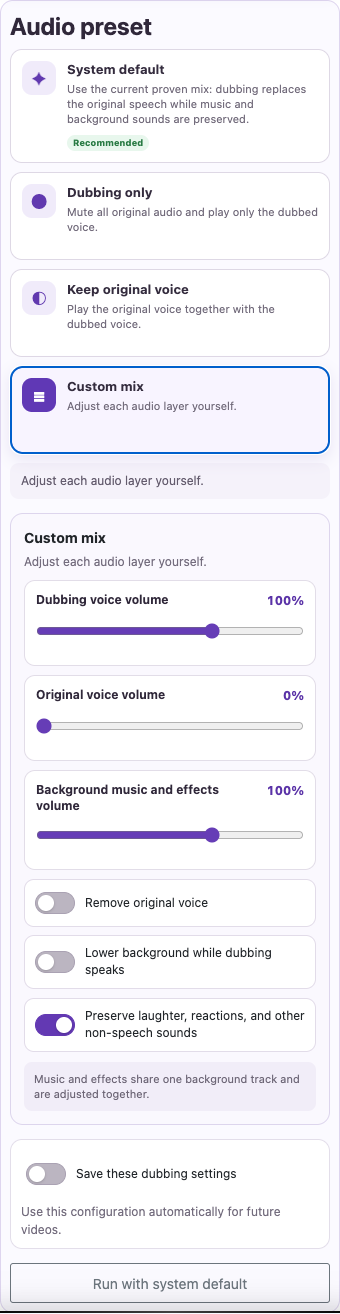
Lower Background music and effects volume if the background competes with speech. Enable Lower background while dubbing speaks to reduce it during speech.
Captured from the live website. Private account details are hidden. Balances and files shown in tutorial images are examples, not your account or a current offer.
Open the websiteChoose a mix for your video
| Setting | What it does |
|---|---|
| System default | Replaces original speech with dubbing while preserving music and background sounds. |
| Dubbing only | Mutes original audio and plays only the dubbed voice. |
| Keep original voice | Plays original speech together with the dubbed voice. |
| Custom mix | Lets you adjust the audio layers yourself. |
For the cleanest spoken result
Open Advanced dubbing
Look for Advanced dubbing options in the dubbing settings. Depending on the screen, you may also see Mute background.
Remove competing speech
Use Dubbing only when you want only the translated voice. In a custom mix, use Remove original voice or lower original voice volume as appropriate.
Adjust music and effects
Lower Background music and effects volume if the background competes with speech. Enable Lower background while dubbing speaks to reduce it during speech.
Listen before downloading
Check a loud passage and a quiet passage. Listen for faint original speech, excessive background volume, or missing sounds that matter.
Keep music without overpowering speech
Start from System default and adjust only what needs changing. Music and effects share one background track, so they are adjusted together. The option to preserve laughter, reactions, and other non-speech sounds may help retain the original atmosphere.
Save a useful mix
Save these dubbing settings stores your mix preferences for future videos on your account. Use the saved-settings option or reset to the system default. Custom voice recordings are not included in saved presets. Saving a preference does not change an existing soundtrack; generating a revised dub can spend credit again.
Questions about this guide
How do I mute original audio or lower background music?
Look for Advanced dubbing options in the dubbing settings. Depending on the screen, you may also see Mute background.
Use Dubbing only when you want only the translated voice. In a custom mix, use Remove original voice or lower original voice volume as appropriate.
Lower Background music and effects volume if the background competes with speech. Enable Lower background while dubbing speaks to reduce it during speech.
Visual walkthrough
Select a step to see what to do. Enlarge the image for a closer look.
Remove competing speech
Adjust music and effects
Captured from the live website. Private account details are hidden. Balances and files shown in tutorial images are examples, not your account or a current offer.
Need a hand?
Tell us what happened and which step you reached.