
Manage your subscription and top-ups
Check renewal dates, add credit, and manage the correct payment provider.
On this page
Before you buyAdd credit or change a planManage the original purchase providerCancellation and accessPayment or balance problemsBefore you buy
Open Pricing while signed in and compare the current included processing time, storage, and features. Read the currency, billing interval, total, and renewal terms on the checkout screen. Offers may differ between the website and mobile stores.
Add credit or change a plan
Use the upgrade or refill option shown in your account. Review how the purchase affects your remaining balance and validity date before paying. After payment completes, return to the same account and check the updated balance. Keep the receipt if the credit does not appear.
Manage the original purchase provider
| Where you subscribed | Where to manage it |
|---|---|
| Website | Use the subscription controls in your website account. |
| Google Play | Use Google Play subscription management for the Google account used to purchase. |
| Apple App Store | Use Apple subscription management for the Apple account used to purchase. |
Cancellation and access
Check the confirmed cancellation status and period-end date. Turning off renewal is different from deleting the account. Access, remaining credit, and stored files depend on the current subscription state and storage rules. Download your completed work before the plan ends.
Payment or balance problems
Make sure you are signed in to the purchasing account. If payment is pending or the subscription needs recovery, follow the payment-provider instructions. Contact support with the receipt reference and the affected account; do not send passwords or full payment-card details.
Questions about this guide
Why is my purchased credit missing?
Make sure you are signed in to the purchasing account. If payment is pending or the subscription needs recovery, follow the payment-provider instructions. Contact support with the receipt reference and the affected account; do not send passwords or full payment-card details.
Visual walkthrough
Select a step to see what to do. Enlarge the image for a closer look.
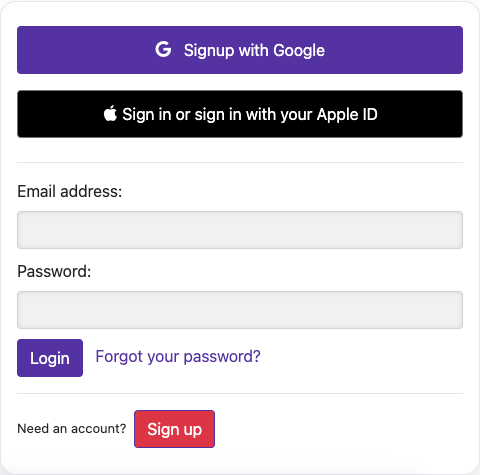
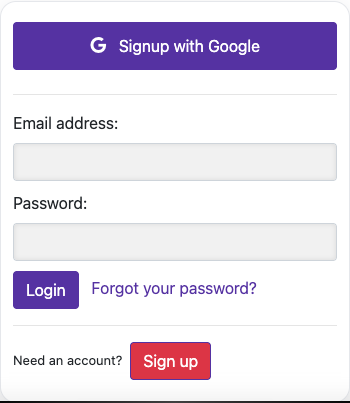
Sign in
Check your available balance
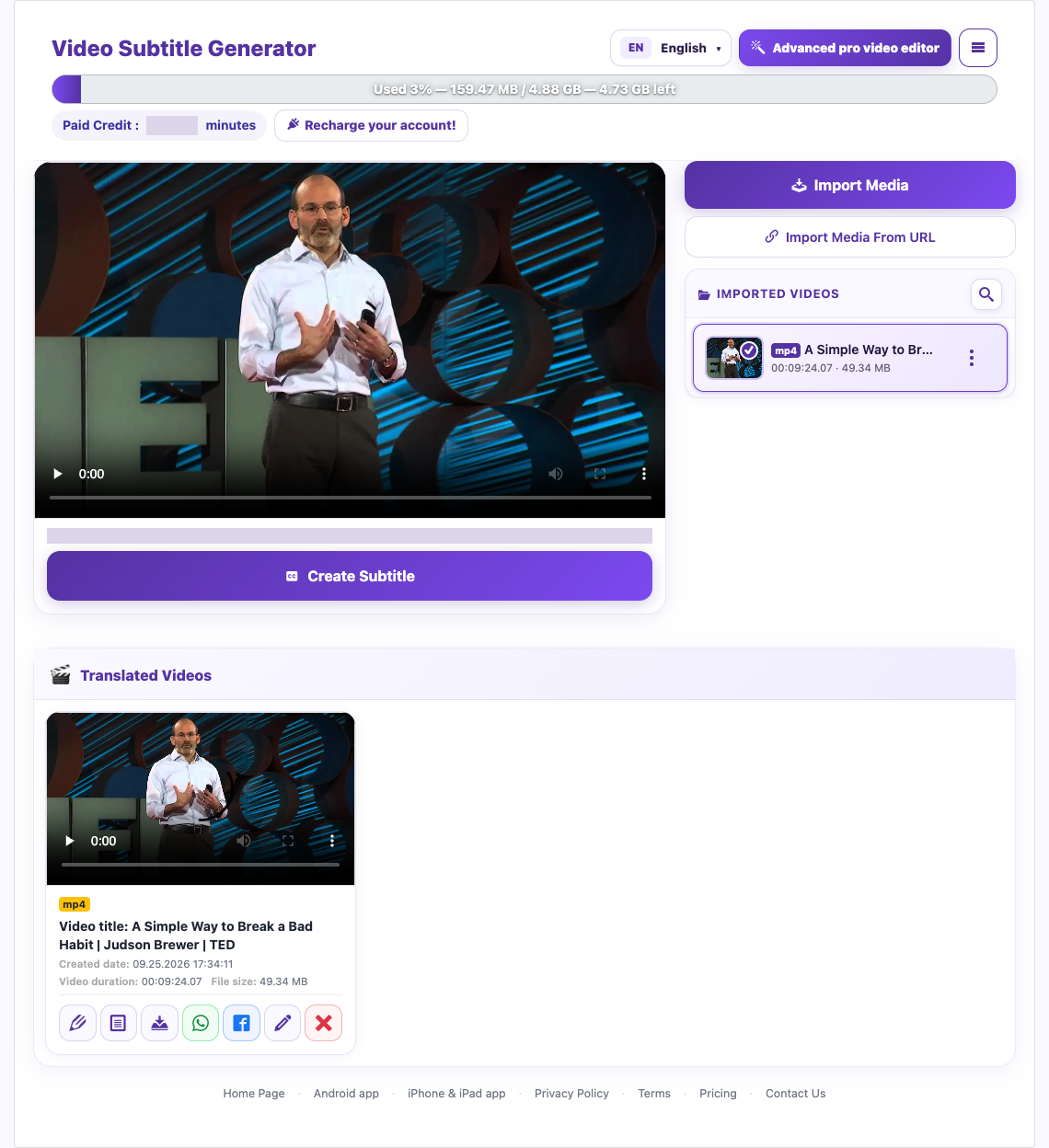
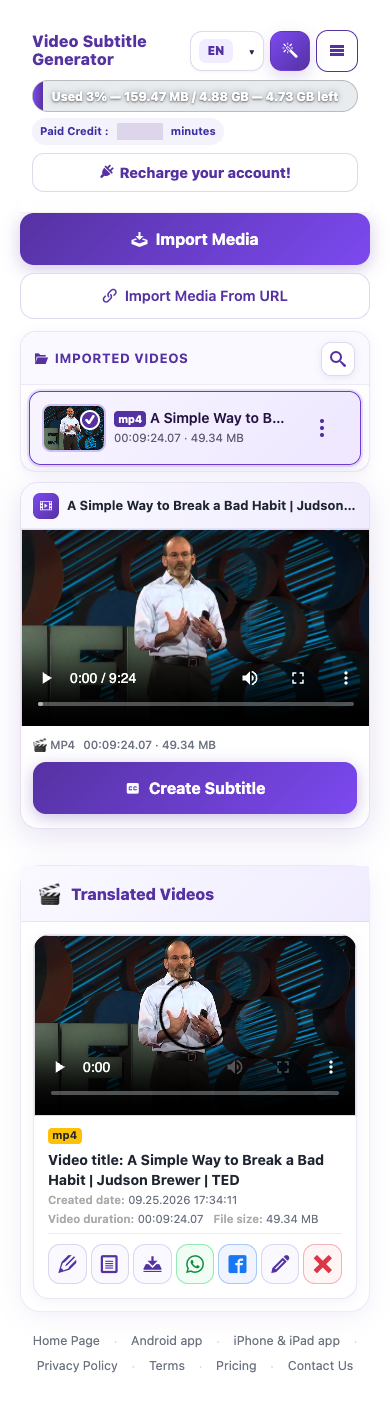
Captured from the live website. Private account details are hidden. Balances and files shown in tutorial images are examples, not your account or a current offer.
Need a hand?
Tell us what happened and which step you reached.