
Clone your voice or the source voice
Record a clean 3–10 second sample for a better voice reference.
On this page
Two ways to use a voice referenceRecord your own voiceWhen to use a built-in voiceMicrophone troubleVisual walkthrough
Select a step to see what to do. Enlarge the image for a closer look.
Open the voice choices
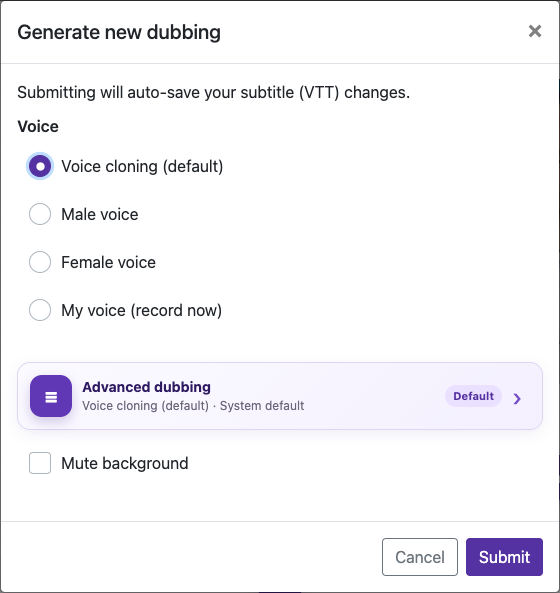
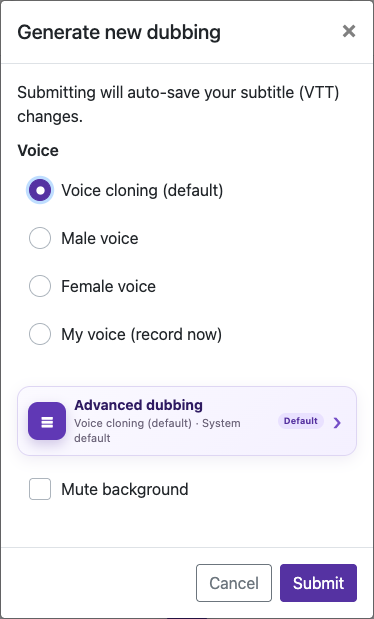
Open a processed video, choose Edit Caption, then Generate new dubbing. Select My voice (record now). The initial processing dialog offers the source clone and built-in male/female voices; custom recording is in the later dubbing dialog.
Record 3–10 seconds
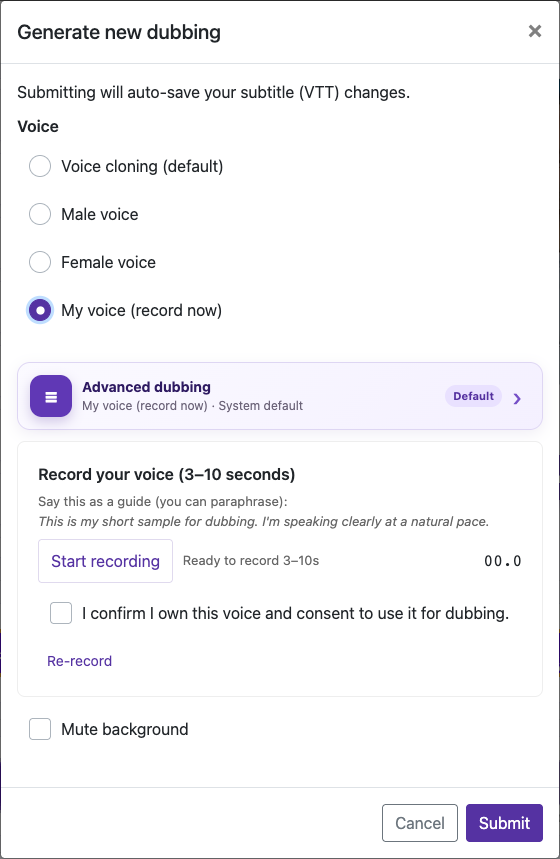
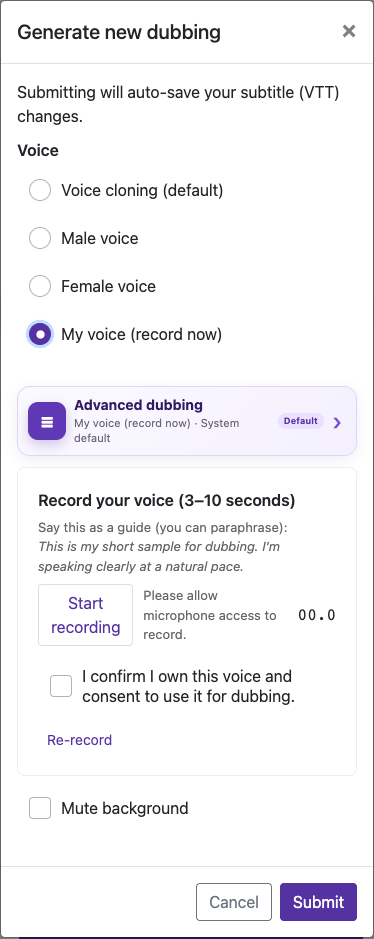
Speak clearly at a natural pace in a quiet room. Use one voice, keep a steady distance from the microphone, and avoid music or other people speaking.
When to use a built-in voice
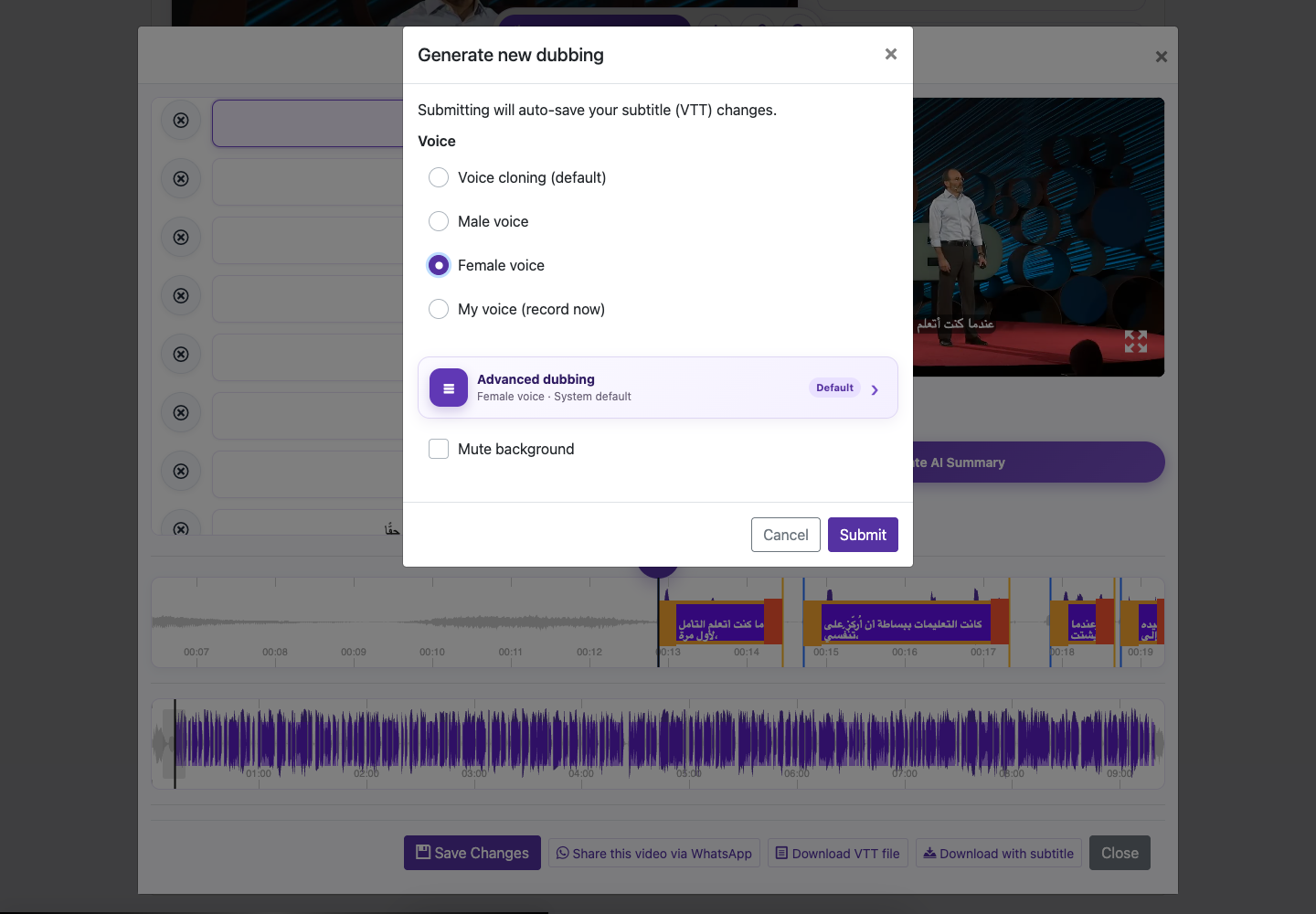
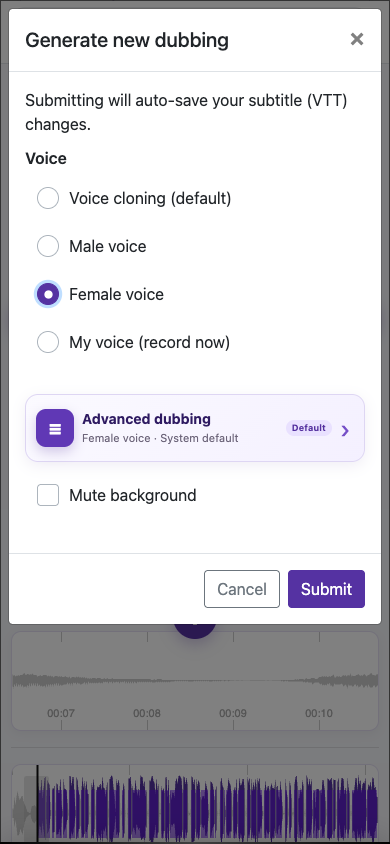
If the source speech is muffled or the clone sounds unstable, choose Male voice or Female voice. Use a clean built-in voice when similarity to the original speaker is less important than clarity.
Captured from the live website. Private account details are hidden. Balances and files shown in tutorial images are examples, not your account or a current offer.
Open the websiteTwo ways to use a voice reference
Voice cloning (default) uses the original video’s speech as the reference. My voice (record now) lets you record a short sample of your own voice. The result can vary with recording quality, language, and the source material.
Record your own voice
Open the voice choices
Open a processed video, choose Edit Caption, then Generate new dubbing. Select My voice (record now). The initial processing dialog offers the source clone and built-in male/female voices; custom recording is in the later dubbing dialog.
Allow the microphone
When your browser asks, allow microphone access for video-subtitle.com. Check that it is using the microphone you intend.
Record 3–10 seconds
Speak clearly at a natural pace in a quiet room. Use one voice, keep a steady distance from the microphone, and avoid music or other people speaking.
Listen and re-record if needed
Use Re-record if the sample is too quiet, clipped, interrupted, or noisy. A short clean sample is more useful than a noisy one.
Confirm ownership and generate
Confirm that you own the voice and consent to using it for dubbing. Review the captions and audio settings, then check the charge and submit.
When to use a built-in voice
If the source speech is muffled or the clone sounds unstable, choose Male voice or Female voice. Use a clean built-in voice when similarity to the original speaker is less important than clarity.
Microphone trouble
If recording is blocked, review the site’s microphone permission in your browser, close other apps using the microphone, and try again. The sample must meet the duration requested by the recording dialog. On a phone, keep the browser in the foreground while recording. A custom voice recording is not stored as a reusable account preset; record it again when the dialog requires a sample.
Questions about this guide
Can I record my own voice for dubbing?
Open a processed video, choose Edit Caption, then Generate new dubbing. Select My voice (record now). The initial processing dialog offers the source clone and built-in male/female voices; custom recording is in the later dubbing dialog.
Record 3–10 seconds
Speak clearly at a natural pace in a quiet room. Use one voice, keep a steady distance from the microphone, and avoid music or other people speaking.
Confirm that you own the voice and consent to using it for dubbing. Review the captions and audio settings, then check the charge and submit.
Visual walkthrough
Select a step to see what to do. Enlarge the image for a closer look.
Record 3–10 seconds
Captured from the live website. Private account details are hidden. Balances and files shown in tutorial images are examples, not your account or a current offer.
Need a hand?
Tell us what happened and which step you reached.