
Create an account and sign in
Register, confirm your email, and find your workspace.
Visual walkthrough
Select a step to see what to do. Enlarge the image for a closer look.
Open the website
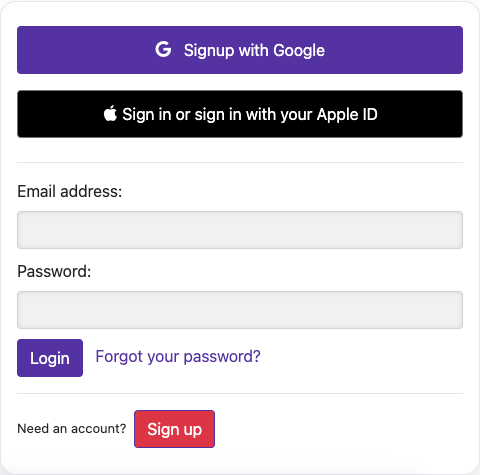
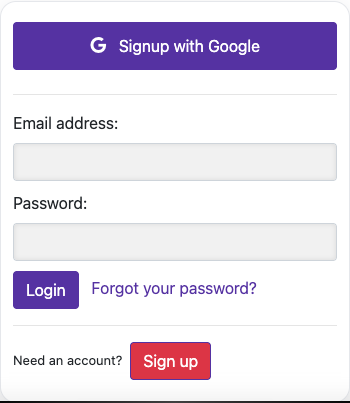
Go to video-subtitle.com and choose Sign up below the login form. Select your preferred website language from the language menu.
Enter your details
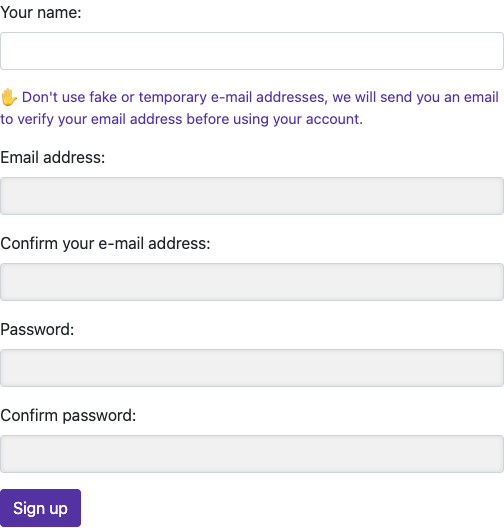
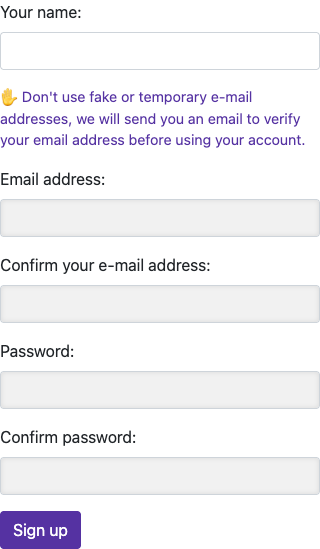
Enter your name, email address, and email confirmation. Choose a password of at least 6 characters and enter it again. Check that both email fields and both password fields match.
Captured from the live website. Private account details are hidden. Balances and files shown in tutorial images are examples, not your account or a current offer.
Open the websiteCreate your account
Open the website
Go to video-subtitle.com and choose Sign up below the login form. Select your preferred website language from the language menu.
Enter your details
Enter your name, email address, and email confirmation. Choose a password of at least 6 characters and enter it again. Check that both email fields and both password fields match.
Confirm your email
Submit the registration form and look for the account activation email. Open its activation link. Check spam or junk if the message is missing.
Sign in
Return to the website and sign in with the same email and password. You can now import a video and review the credit or trial allowance shown in your account.
Already use the mobile app?
The sign-in page also offers Google and Apple. Use the same sign-in method and account you use in the mobile app so you find the same videos and balance. If you used Apple Hide My Email, the account may use an Apple relay address. Check the app account details before creating a second account.
If sign-in does not work
An unconfirmed account needs the activation link before you can sign in. For a forgotten password, choose Forgot your password? on the login page and follow the email instructions. If the website says the email already exists, sign in or recover that account.
Questions about this guide
Why can’t I sign in after registering?
Submit the registration form and look for the account activation email. Open its activation link. Check spam or junk if the message is missing.
An unconfirmed account needs the activation link before you can sign in. For a forgotten password, choose Forgot your password? on the login page and follow the email instructions. If the website says the email already exists, sign in or recover that account.
Visual walkthrough
Select a step to see what to do. Enlarge the image for a closer look.
Sign in
Captured from the live website. Private account details are hidden. Balances and files shown in tutorial images are examples, not your account or a current offer.
Can I use the same account on the website and mobile app?
The sign-in page also offers Google and Apple. Use the same sign-in method and account you use in the mobile app so you find the same videos and balance. If you used Apple Hide My Email, the account may use an Apple relay address. Check the app account details before creating a second account.
Visual walkthrough
Select a step to see what to do. Enlarge the image for a closer look.
Open the website
Captured from the live website. Private account details are hidden. Balances and files shown in tutorial images are examples, not your account or a current offer.
Need a hand?
Tell us what happened and which step you reached.