
Get natural-sounding dubbing
Choose a suitable voice and prepare the captions for speech.
On this page
Start with the wordsChoose the right voiceGenerate and listenA reliable quality checklistVisual walkthrough
Select a step to see what to do. Enlarge the image for a closer look.
Open dubbing options
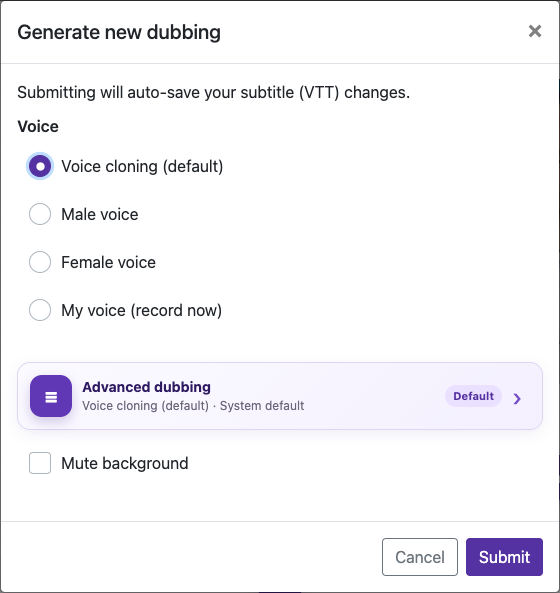
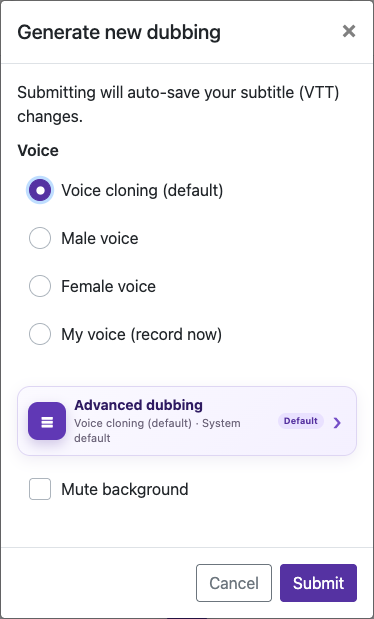
For initial processing, use Enable Dubbing and the Advanced dubbing options. For a processed video, open Edit Caption and choose Generate new dubbing. This second dialog also offers recording your own voice.
Choose the right voice
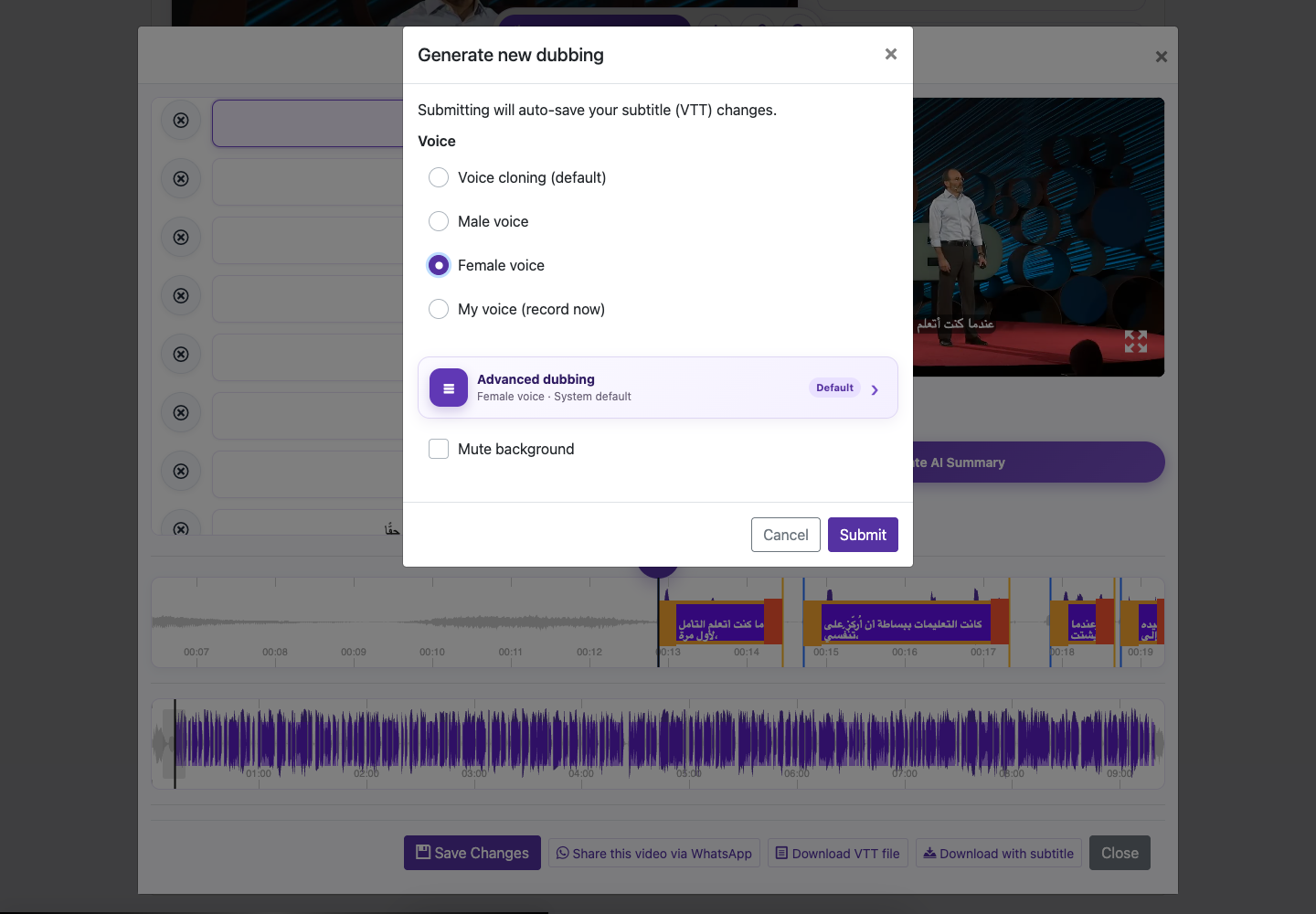
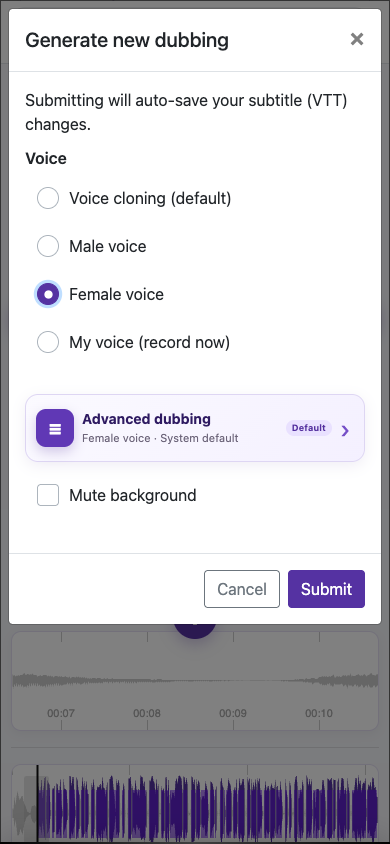
Choose a suitable voice and prepare the captions for speech.
Select a voice and mix
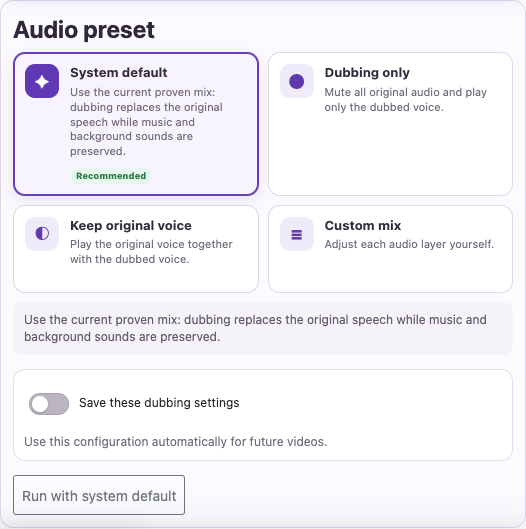
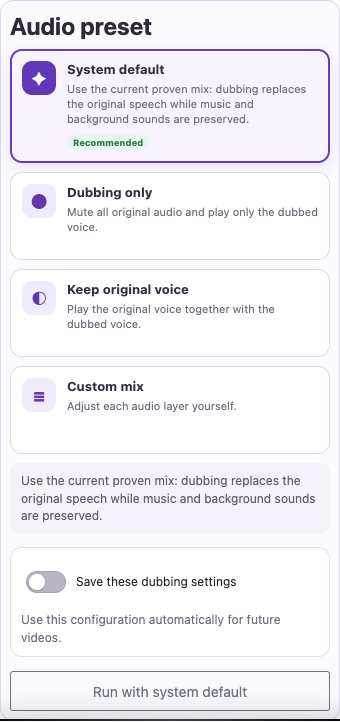
Choose the voice option. Decide whether to keep music and effects, lower them, or mute original audio.
Compare the result
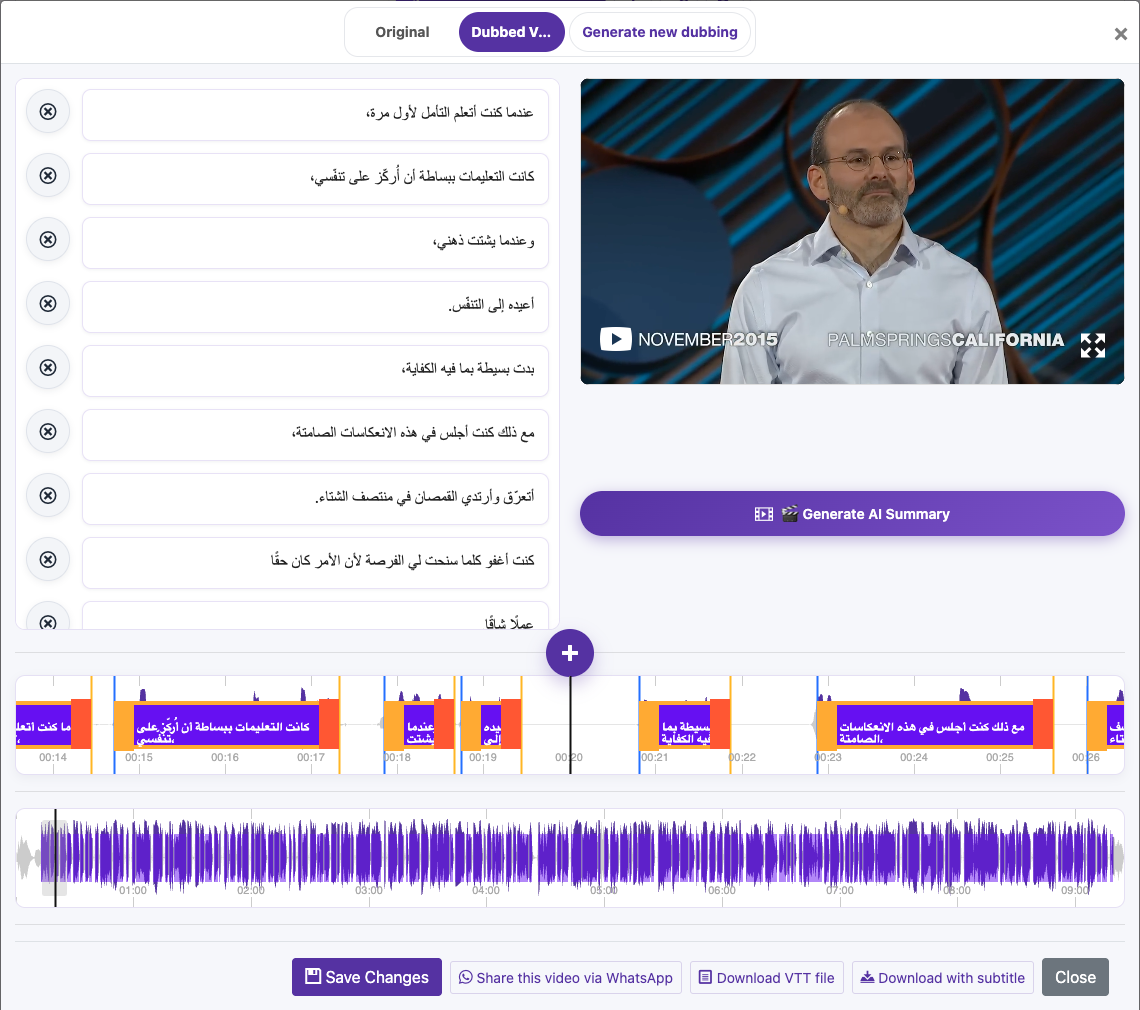
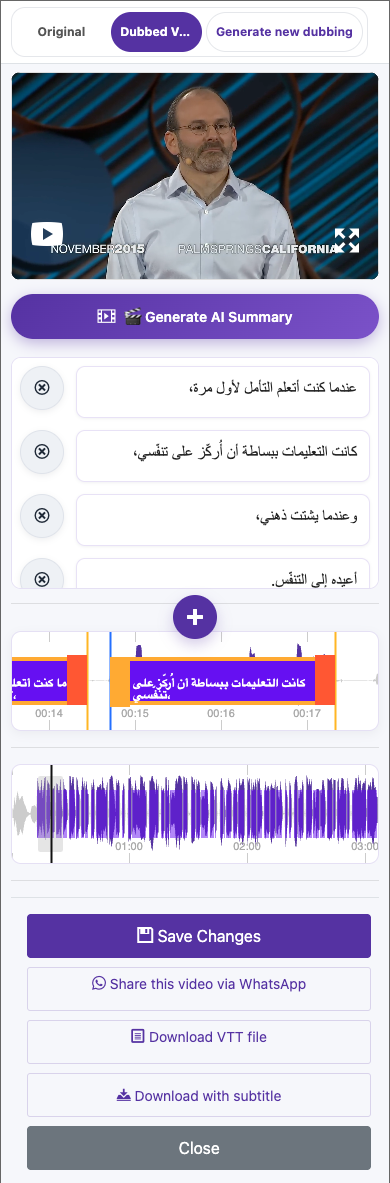
Switch between Original and Dubbed Version. Listen with headphones to names, sentence endings, speaker changes, and places where music is loud.
Captured from the live website. Private account details are hidden. Balances and files shown in tutorial images are examples, not your account or a current offer.
Open the websiteStart with the words
Dubbing turns the caption text into speech. Listen to the original, review the translation, and correct names, missing words, and punctuation. Keep sentences natural. Very long translated lines may be difficult to fit into a short speech window.
Choose the right voice
| Voice option | Use it when |
|---|---|
| Voice cloning (default) | The original speaker is clear and you want a similar vocal identity. |
| Male voice or Female voice | The original voice is noisy, distant, distorted, or unsuitable for cloning. |
| My voice (record now) | You want your own recorded voice as the reference. |
Generate and listen
Open dubbing options
For initial processing, use Enable Dubbing and the Advanced dubbing options. For a processed video, open Edit Caption and choose Generate new dubbing. This second dialog also offers recording your own voice.
Select a voice and mix
Choose the voice option. Decide whether to keep music and effects, lower them, or mute original audio.
Check the charge
Review the confirmation before generating, especially if the video already has a dub. Wait for the current job to finish before starting another.
Compare the result
Switch between Original and Dubbed Version. Listen with headphones to names, sentence endings, speaker changes, and places where music is loud.
Fix and export
If needed, adjust captions or voice settings, then generate another dub after checking the cost. Select the intended dubbed version before downloading.
A reliable quality checklist
- Clear source speech without clipping or heavy echo.
- Correct source language and a supported dubbing target.
- Reviewed text with natural phrasing and punctuation.
- A clean voice reference or a suitable built-in voice.
- Background audio low enough that the dubbed speech is easy to hear.
Questions about this guide
Which voice should I use if the original speech is unclear?
Male voice or Female voice
If a cloned voice sounds poor, try a built-in voice after correcting the captions. This changes the voice reference; it does not recover words the transcription missed.
Visual walkthrough
Select a step to see what to do. Enlarge the image for a closer look.
Choose the right voice
Captured from the live website. Private account details are hidden. Balances and files shown in tutorial images are examples, not your account or a current offer.
Need a hand?
Tell us what happened and which step you reached.