
Error codes and messages
Find a code or message shown by Video Subtitle, learn what it means, and follow the next steps.
Search in any supported language. Answers stay in your selected language.
Codes stay exactly as the system displays them. Explanations follow your selected language. Some errors appear as a message instead of a code.
What it means
23 common errorsPaste the code into search, or describe the problem in any supported language.
Incorrect passwordWRONG_PASSWORD
What it means
The password does not match the password saved for this email account.
What to do
Check the email address and password. If you forgot the password, use Forgot your password? on the sign-in page and follow the email instructions.
Visual walkthrough
Select a step to see what to do. Enlarge the image for a closer look.
If sign-in does not work
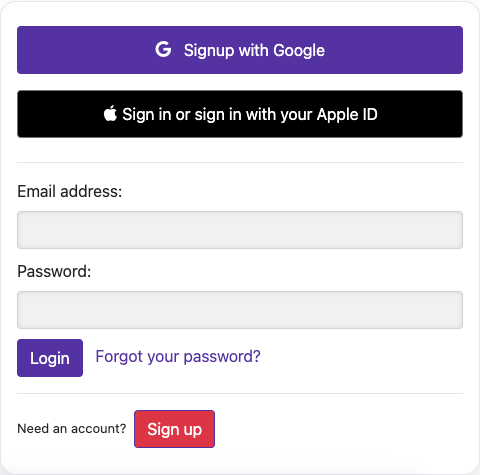
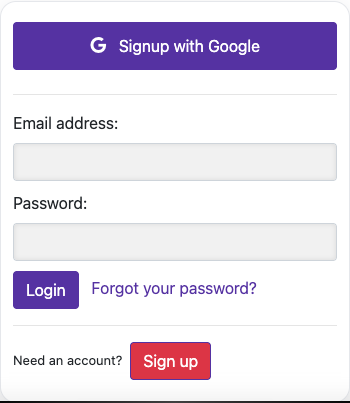
Captured from the live website. Private account details are hidden. Balances and files shown in tutorial images are examples, not your account or a current offer.
Email confirmation requiredEMAIL_NOT_CONFIRMED
What it means
The account email has not been confirmed. This can block both sign-in and password reset.
What to do
Open the activation link sent when you registered, then sign in again. Check your spam or junk folder if the email is missing.
Read the full guideThis email already has an accountUSER_ALREADY_EXISTS
What it means
Registration found an existing account with the same email address.
What to do
Sign in to that account. Use password recovery if needed instead of registering the same email again.
Visual walkthrough
Select a step to see what to do. Enlarge the image for a closer look.
Sign in
Captured from the live website. Private account details are hidden. Balances and files shown in tutorial images are examples, not your account or a current offer.
Not enough processing credit
What it means
The video duration exceeds the processing allowance available to the paid account. The website shows a credit message rather than a dedicated error code.
What to do
Compare the video duration with your remaining credit. Process a shorter clip or add credit, then check the cost before starting again.
Visual walkthrough
Select a step to see what to do. Enlarge the image for a closer look.
Check your available balance
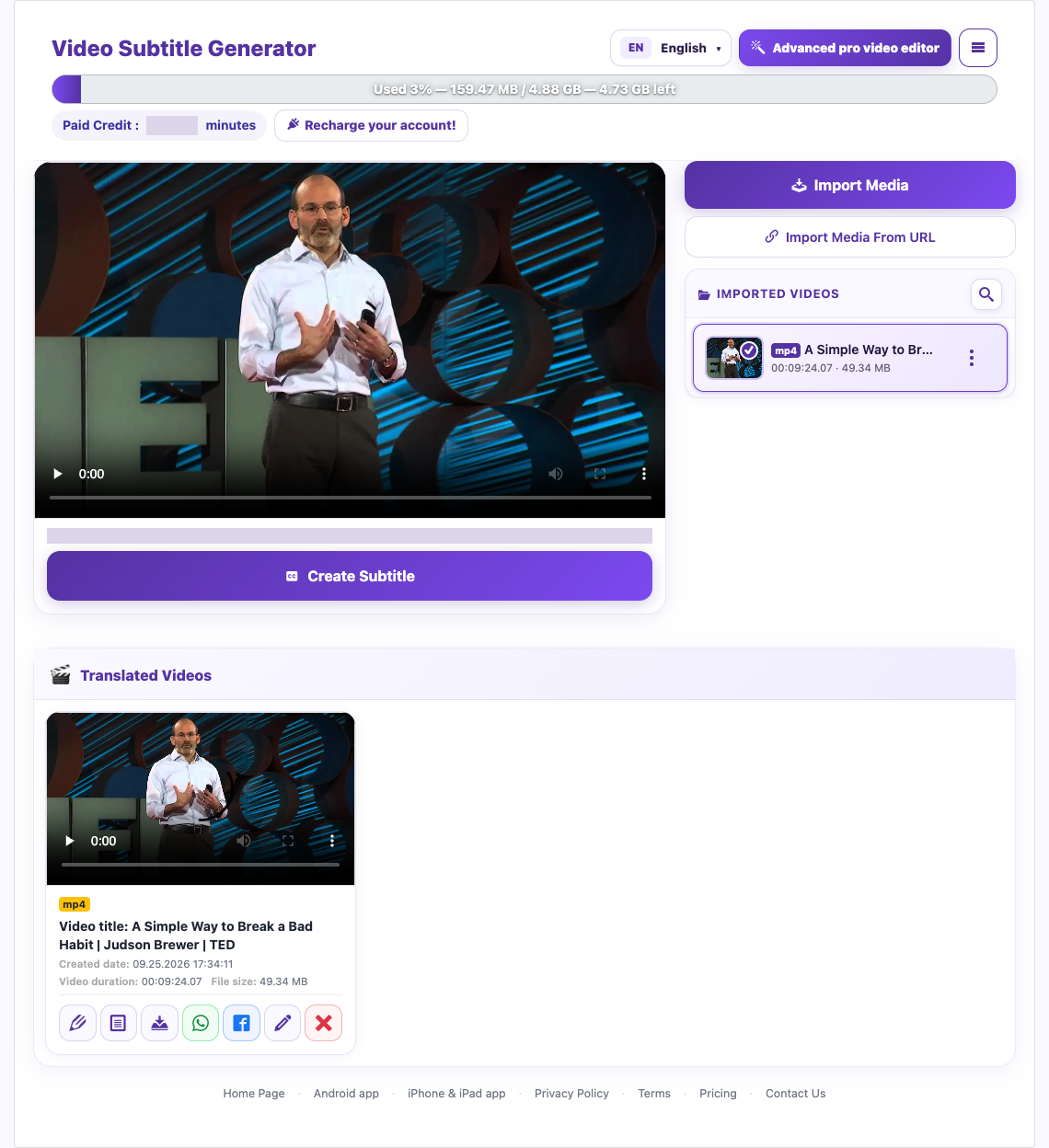
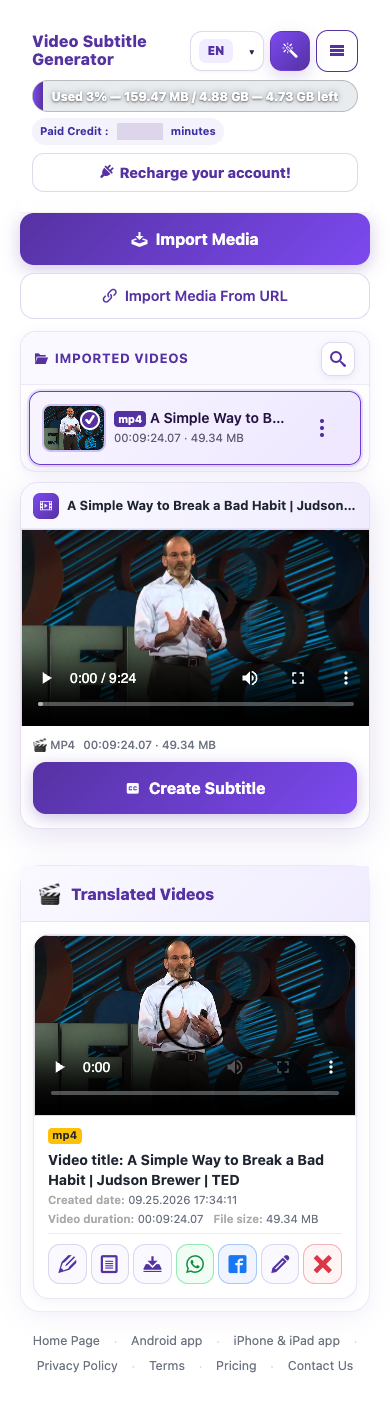
Captured from the live website. Private account details are hidden. Balances and files shown in tutorial images are examples, not your account or a current offer.
Free trial allowance usedBASIC_FEATURE_TRIAL_USED
What it means
The Basic trial allowance for the requested feature has been used. This applies to limited features such as dubbing, summaries, and downloads. Video and subtitle downloads share the download allowance.
What to do
Read which feature the notice names and review your account allowance. Use the upgrade option if you want to continue beyond the trial. Repeated attempts do not renew the allowance.
Read the full guideAnother job is already runningDUBBING_USER_JOB_RUNNINGPROCESSING_USER_JOB_RUNNINGBASIC_TRANSLATION_TRIAL_BUSY
What it means
The account already has a dubbing or processing job in progress, or its Basic translation trial is currently being processed. A second job cannot start yet.
What to do
Wait for the existing job to finish and check its workspace status or completion email before trying again. Avoid submitting the same job repeatedly.
Read the full guideThe video voice is not clear
What it means
The system could not obtain usable speech for transcription. The same message can also appear when the video has no audio stream; it does not identify one exact audio problem.
What to do
Check that the video contains audible, clear speech. Try a clearer speech segment. If your account offers source-language selection, choose the actual spoken language; Basic trial processing uses automatic recognition.
Visual walkthrough
Select a step to see what to do. Enlarge the image for a closer look.
Choose source and target
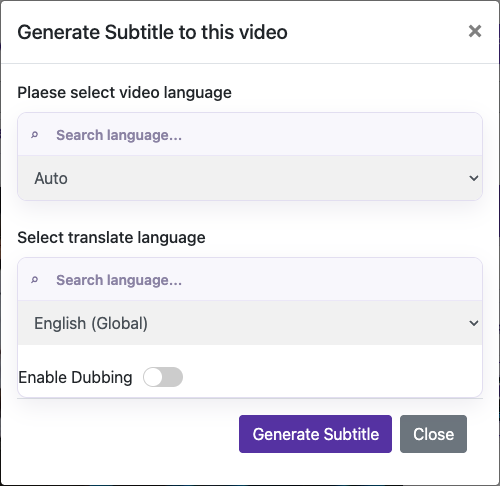
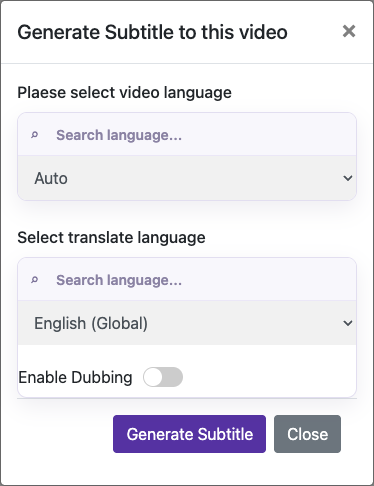
Captured from the live website. Private account details are hidden. Balances and files shown in tutorial images are examples, not your account or a current offer.
Transcript validation failedTRANSCRIPT_ARTIFACT_INVALIDTRANSCRIPT_TIMING_INVALIDTRANSCRIPT_INTEGRITY_INCOMPLETE
What it means
Translation stopped because the transcript and subtitle files could not be verified together, timestamps were invalid, or the transcript could not be verified against the source audio. This protects against incomplete or misaligned subtitles; it is separate from a speech-clarity error.
What to do
Do not treat the affected translation as complete. If the error persists when you try the source again, contact support with the exact code, video title, and time of the attempt.
Read the full guideSubtitle translation unavailableSUBTITLE_TRANSLATION_FAILED
What it means
Subtitle translation could not be completed. The source transcript is preserved.
What to do
Retry the subtitle translation. If the same error continues, contact support with the source and target languages and the exact code.
Visual walkthrough
Select a step to see what to do. Enlarge the image for a closer look.
Choose source and target
Captured from the live website. Private account details are hidden. Balances and files shown in tutorial images are examples, not your account or a current offer.
Voice consent requiredCONSENT_REQUIRED
What it means
Custom voice generation was requested without the required confirmation that you own the voice and consent to its use.
What to do
Use your own voice sample and confirm ownership and consent before generating. If you cannot give that confirmation, choose a built-in voice.
Visual walkthrough
Select a step to see what to do. Enlarge the image for a closer look.
Confirm ownership and generate
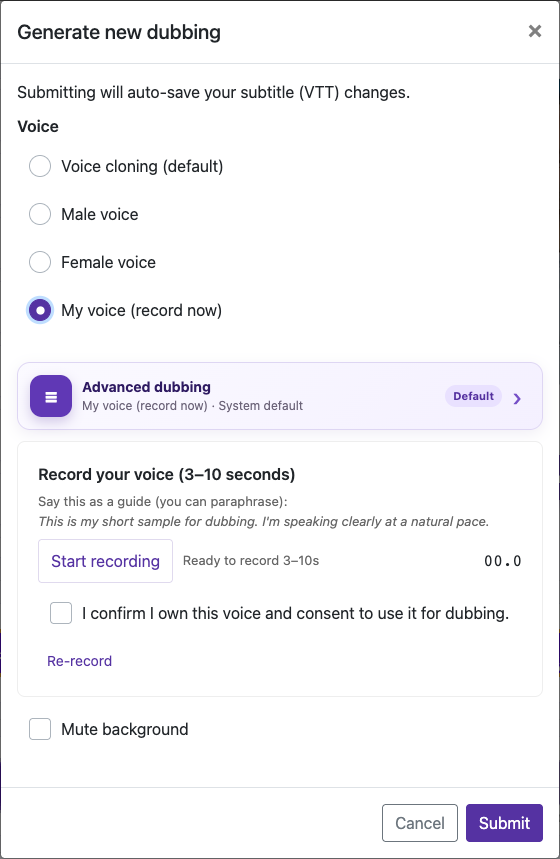
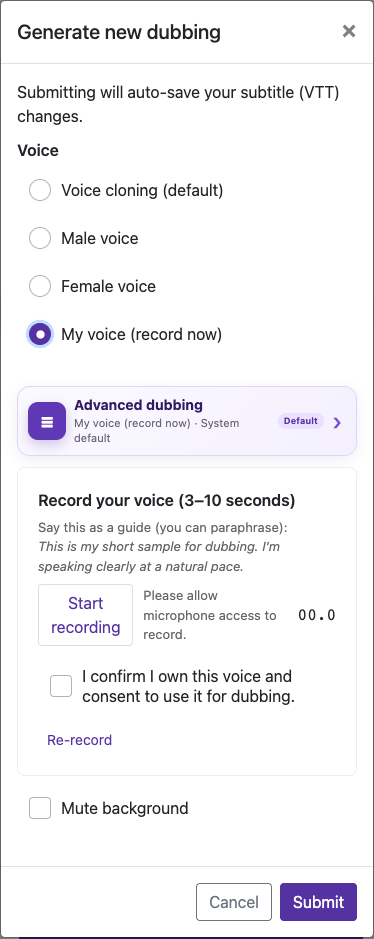
Captured from the live website. Private account details are hidden. Balances and files shown in tutorial images are examples, not your account or a current offer.
Voice sample is required for custom voice.
What it means
The custom voice option is selected, but no voice sample was uploaded. The response contains a message without a dedicated code.
What to do
Record or upload your voice sample before generating, or select a built-in voice instead.
Visual walkthrough
Select a step to see what to do. Enlarge the image for a closer look.
Record 3–10 seconds
Captured from the live website. Private account details are hidden. Balances and files shown in tutorial images are examples, not your account or a current offer.
No dubbing changes detectedNO_CHANGES
What it means
The saved captions and relevant dubbing settings match the previous version, so the duplicate request was rejected.
What to do
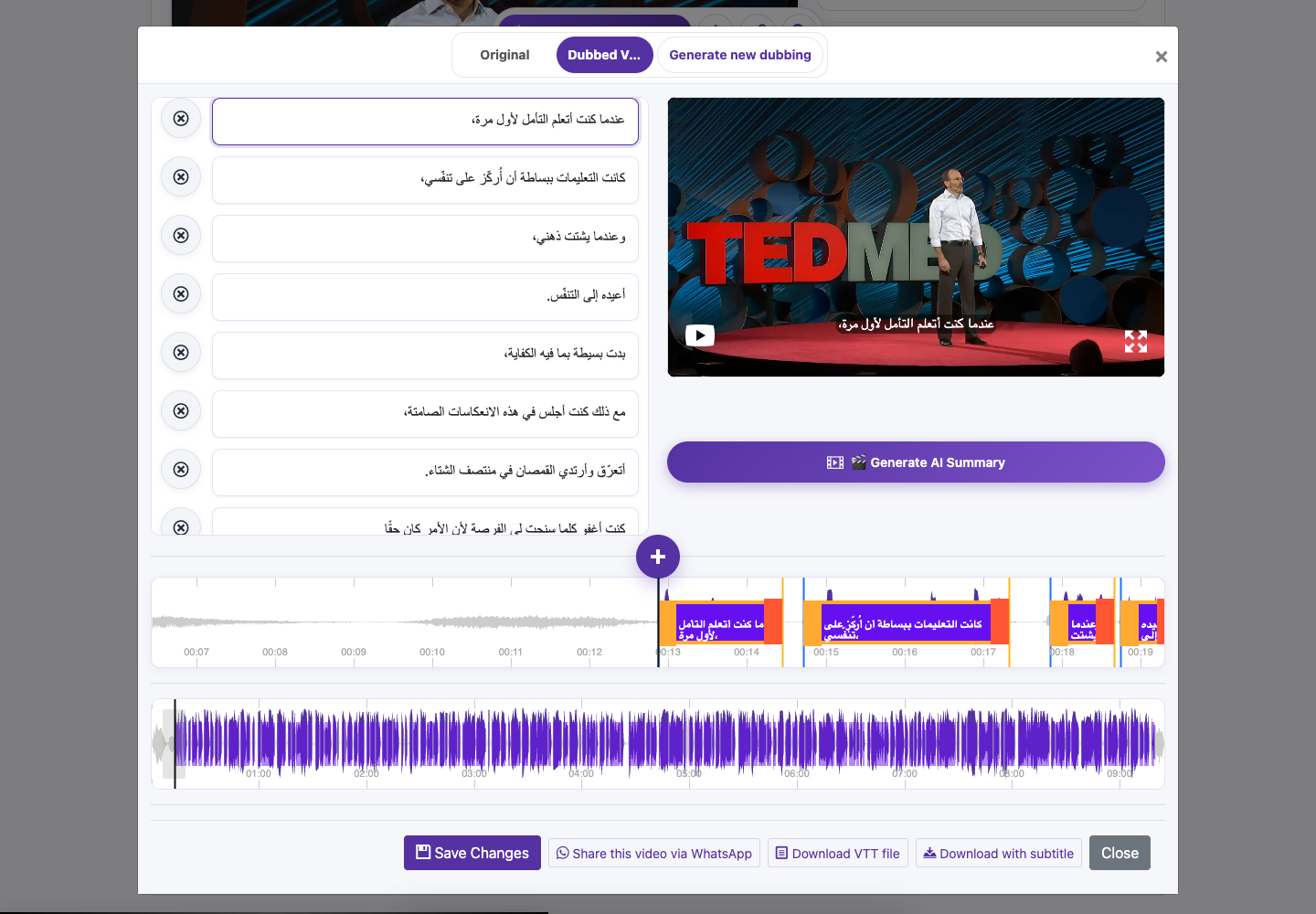
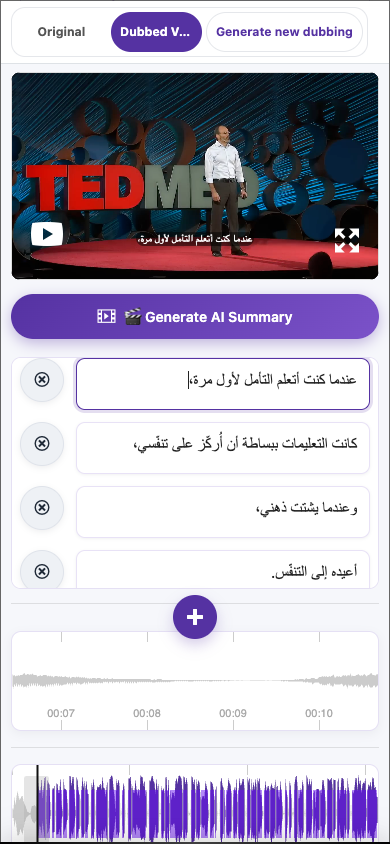
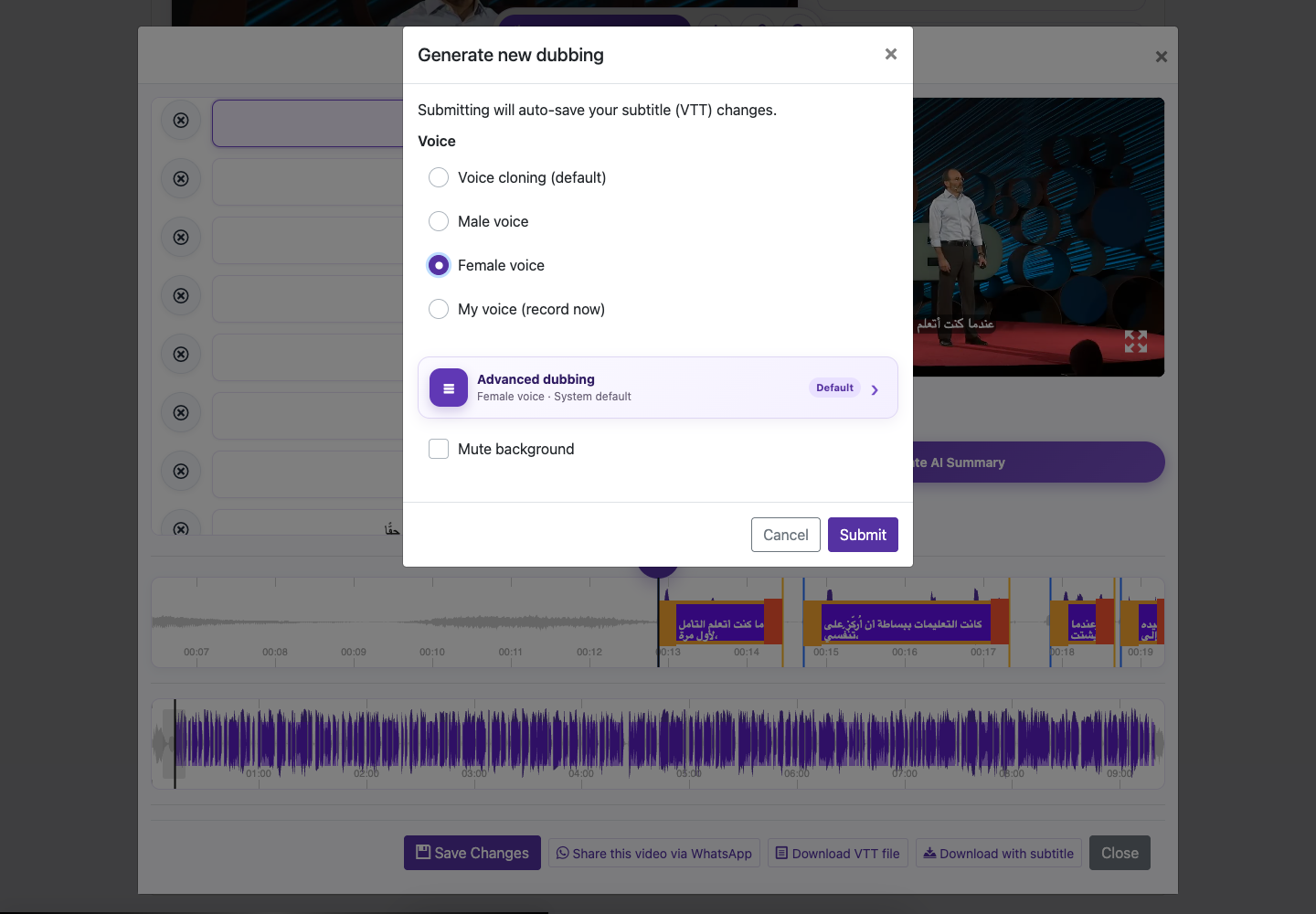
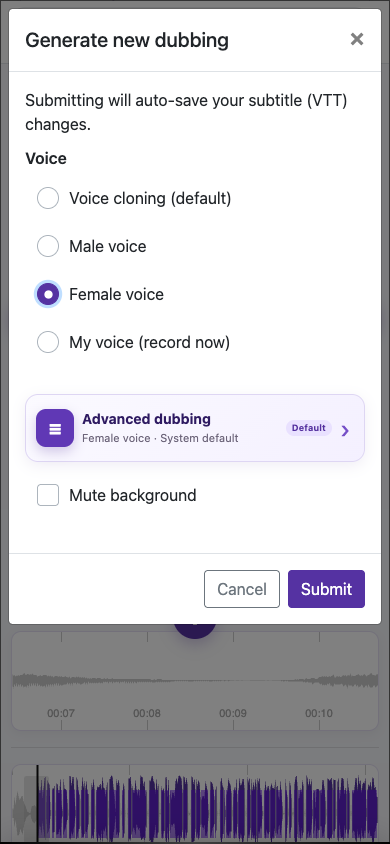
Use the existing dub if it is correct. To change it, edit the captions or relevant voice or background settings, then review any regeneration charge before continuing.
Visual walkthrough
Select a step to see what to do. Enlarge the image for a closer look.
Correct the words
Choose the right voice
Captured from the live website. Private account details are hidden. Balances and files shown in tutorial images are examples, not your account or a current offer.
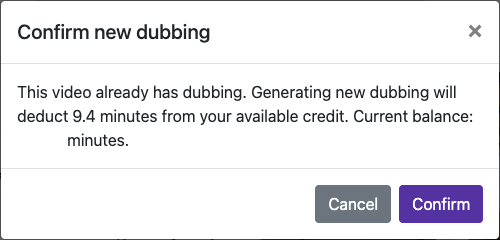
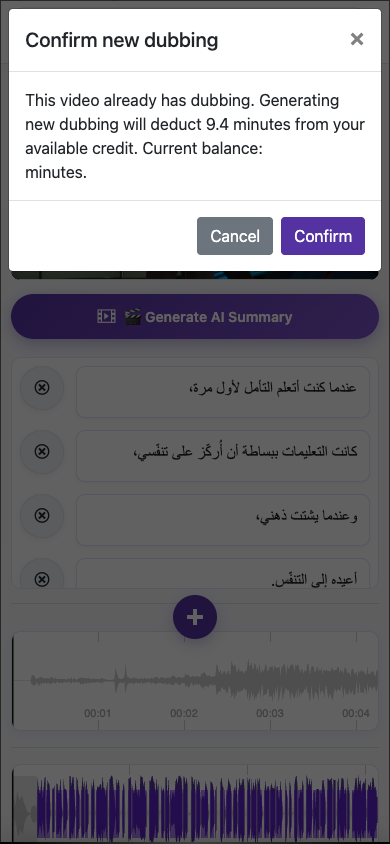
Confirm the cost of a new dubDUBBING_REGENERATION_CONFIRM_REQUIRED
What it means
This video already has completed dubbing. Generating another dub requires confirmation of the duration charge shown; this is a confirmation request, not a failed audio result.
What to do
Read the displayed cost and balance. Confirm only if you want to spend that credit on a new dub, or cancel and keep the existing version.
Visual walkthrough
Select a step to see what to do. Enlarge the image for a closer look.
An example of dubbing regeneration
Captured from the live website. Private account details are hidden. Balances and files shown in tutorial images are examples, not your account or a current offer.
Not enough credit to generate dubbing againDUBBING_REGENERATION_CREDIT_REQUIRED
What it means
The paid credit balance is lower than the duration required to regenerate a video that already has completed dubbing.
What to do
Check the required duration and current balance in the notice. Add sufficient credit if you want a new dub; you can keep using the existing version without requesting regeneration.
Visual walkthrough
Select a step to see what to do. Enlarge the image for a closer look.
Check your available balance
Captured from the live website. Private account details are hidden. Balances and files shown in tutorial images are examples, not your account or a current offer.
Not enough available storageFILE_SIZE_EXCEEDS_ALLOWED_LIMIT
What it means
The selected file is larger than the storage space remaining in your account. This code concerns available account storage, not a universal per-file size limit.
What to do
Check your storage usage. Keep backups before removing files you no longer need, choose a smaller file, or review a plan with more storage.
Visual walkthrough
Select a step to see what to do. Enlarge the image for a closer look.
Keep a backup
Captured from the live website. Private account details are hidden. Balances and files shown in tutorial images are examples, not your account or a current offer.
This file type is not allowedFILE_TYPE_NOT_ALLOWED
What it means
The upload file extension is not in the formats accepted by the website.
What to do
Choose a supported video file, such as MP4, or convert the original video to a supported format before uploading. Renaming the extension alone does not convert the file.
Visual walkthrough
Select a step to see what to do. Enlarge the image for a closer look.
Import your video
Captured from the live website. Private account details are hidden. Balances and files shown in tutorial images are examples, not your account or a current offer.
Upload expiredUPLOAD_EXPIRED
What it means
The upload session expired or its multipart upload is no longer available.
What to do
Return to Import Media and start a fresh upload of the original file. Keep the page open with a stable connection until it finishes.
Visual walkthrough
Select a step to see what to do. Enlarge the image for a closer look.
Import your video
Captured from the live website. Private account details are hidden. Balances and files shown in tutorial images are examples, not your account or a current offer.
Sign in before uploadingAUTHENTICATION_REQUIRED
What it means
The upload request could not find a signed-in account.
What to do
Sign in to the account you want to use, return to Import Media, and try the upload again.
Visual walkthrough
Select a step to see what to do. Enlarge the image for a closer look.
Sign in
Import your video
Captured from the live website. Private account details are hidden. Balances and files shown in tutorial images are examples, not your account or a current offer.
Subscription access needs attentionSUBSCRIPTION_ACCESS_REQUIRED
What it means
The account is restricted by its current subscription state, or the subscription state could not be checked. The recovery screen explains which situation applies.
What to do
Open the website and follow the recovery screen. For a payment problem, use the listed original payment provider; if checking access is temporarily unavailable, try again later.
Read the full guideGoogle Play purchase linked to another accountpurchase_context_conflict
What it means
The Google Play purchase is already associated with another account or product and cannot be applied to this request.
What to do
Check that you are signed in to the account originally used for the purchase. If the association seems wrong, contact support with the receipt reference and affected account. Repeating the purchase verification does not move it between accounts.
Read the full guideGoogle Play purchase still processingpurchase_processingpurchase_finalize_failedpurchase_storage_unavailablepurchase_processing_failed
What it means
The purchase is being processed, its completion is still being confirmed, or processing is temporarily unavailable. These responses allow a later verification retry.
What to do
Wait and allow purchase verification to retry before checking the balance in the same account. Keep the receipt and contact support if it remains unresolved; this notice alone does not confirm that credit was added.
Read the full guideGoogle Play subscription is no longer activesubscription_expiredsubscription_replacedsubscription_revoked
What it means
The submitted subscription has expired, been replaced by another subscription, or been revoked. The verification response treats that subscription token as inactive.
What to do
Check the current subscription in Google Play using the purchasing Google account. Return with the current active purchase if one exists; repeatedly retrying an expired, replaced, or revoked purchase does not reactivate it.
Read the full guideGoogle Play purchase was refundedpurchase_refunded
What it means
The purchase was refunded and cannot be activated.
What to do
Check the refund status in Google Play. If you believe it is incorrect, contact support with the receipt reference; retrying the refunded purchase will not activate it.
Read the full guideNeed a hand?
Tell us what happened and which step you reached.